What is LeadFinder?
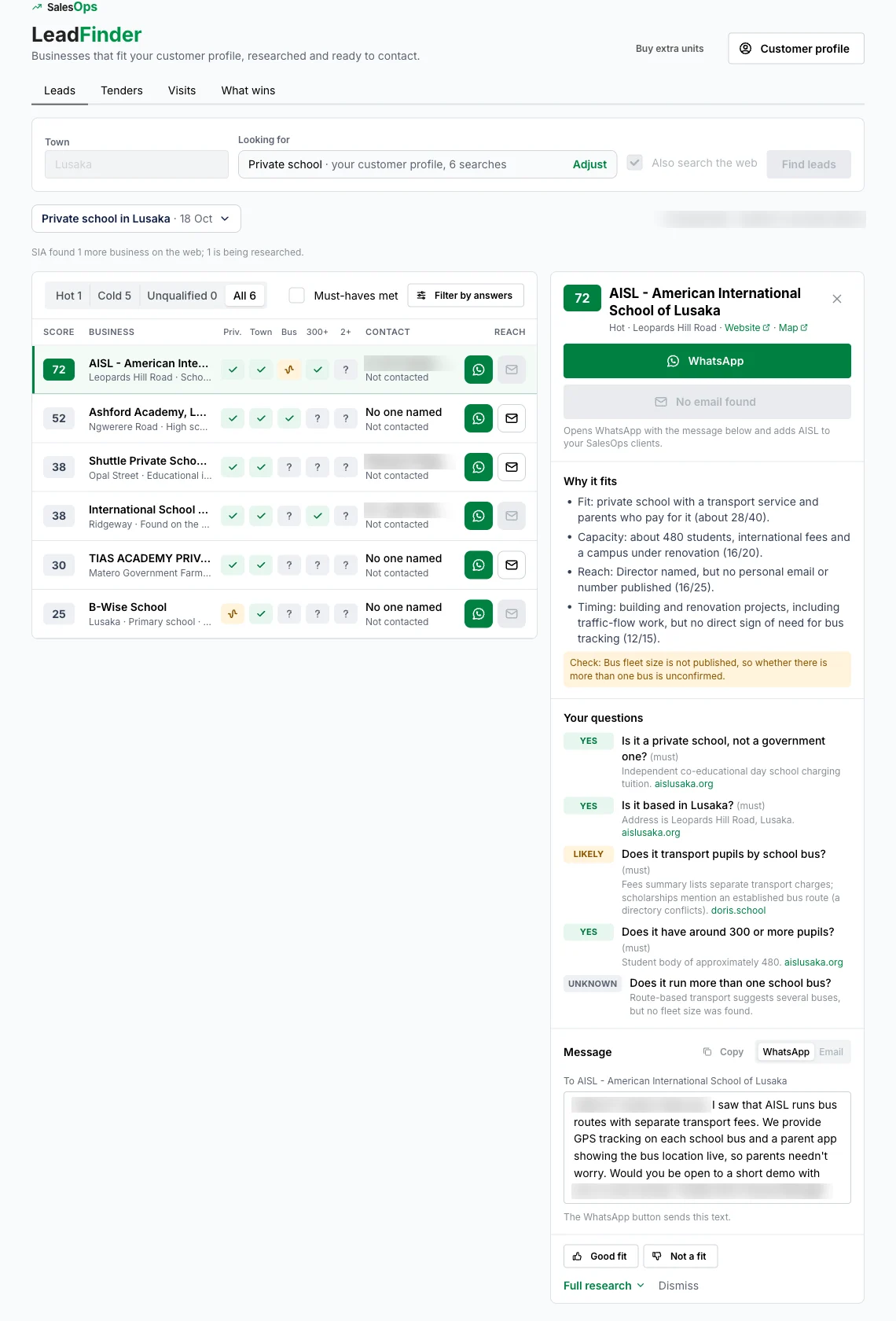
LeadFinder is the lead-research tool inside SalesOps, the O'Sense CRM. You tell it what you sell and which town to look in. It finds businesses that fit, reads each one's website and the web, scores every one from 0 to 100 against your own questions, names the person who decides where it can, and drafts the first WhatsApp message for you.
Which Zambian towns can LeadFinder search?
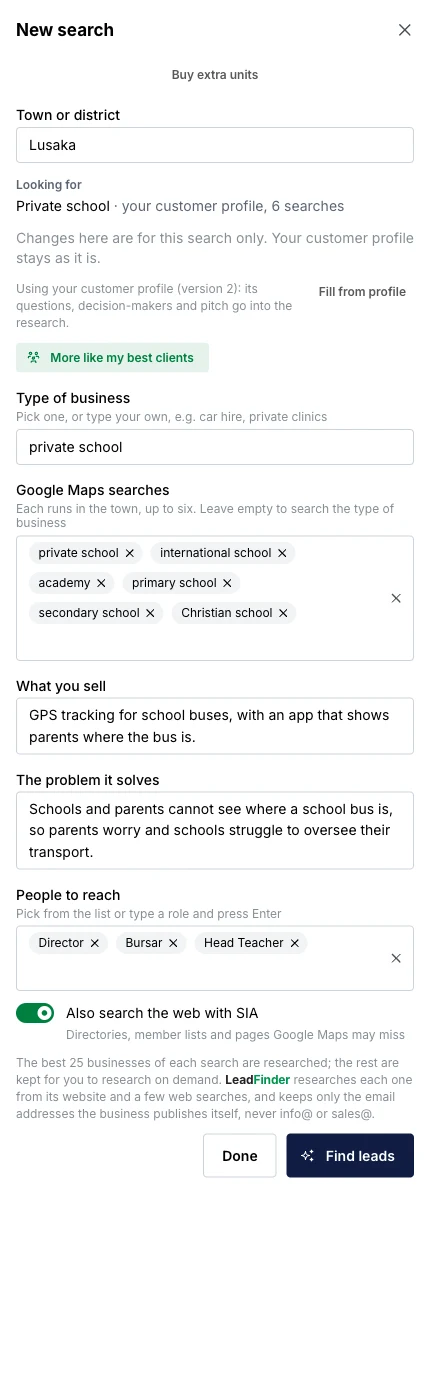
Any town or district in Zambia, for example Lusaka, Kitwe, Ndola, Kabwe, Livingstone, Chipata, Solwezi or Mongu. You type the town and what you are looking for, such as private schools, clinics, farms, hardware shops, lodges or mines.
Does LeadFinder send messages to the businesses it finds?
No. It sends nothing by itself. It writes a short draft that you can edit. The WhatsApp button opens your own WhatsApp with that text ready, and the email button opens a pre-filled email in SalesOffice, where you press send. Nothing goes out without a person.
Where do the emails and phone numbers come from?
Only from pages LeadFinder actually read, such as the business's own website. It does not guess addresses. Shared inboxes such as info@ and sales@ are dropped, because they rarely reach the person who decides. If no personal contact is published, LeadFinder says so and shows the business as one to approach by a visit or a call.
How does LeadFinder score a lead?
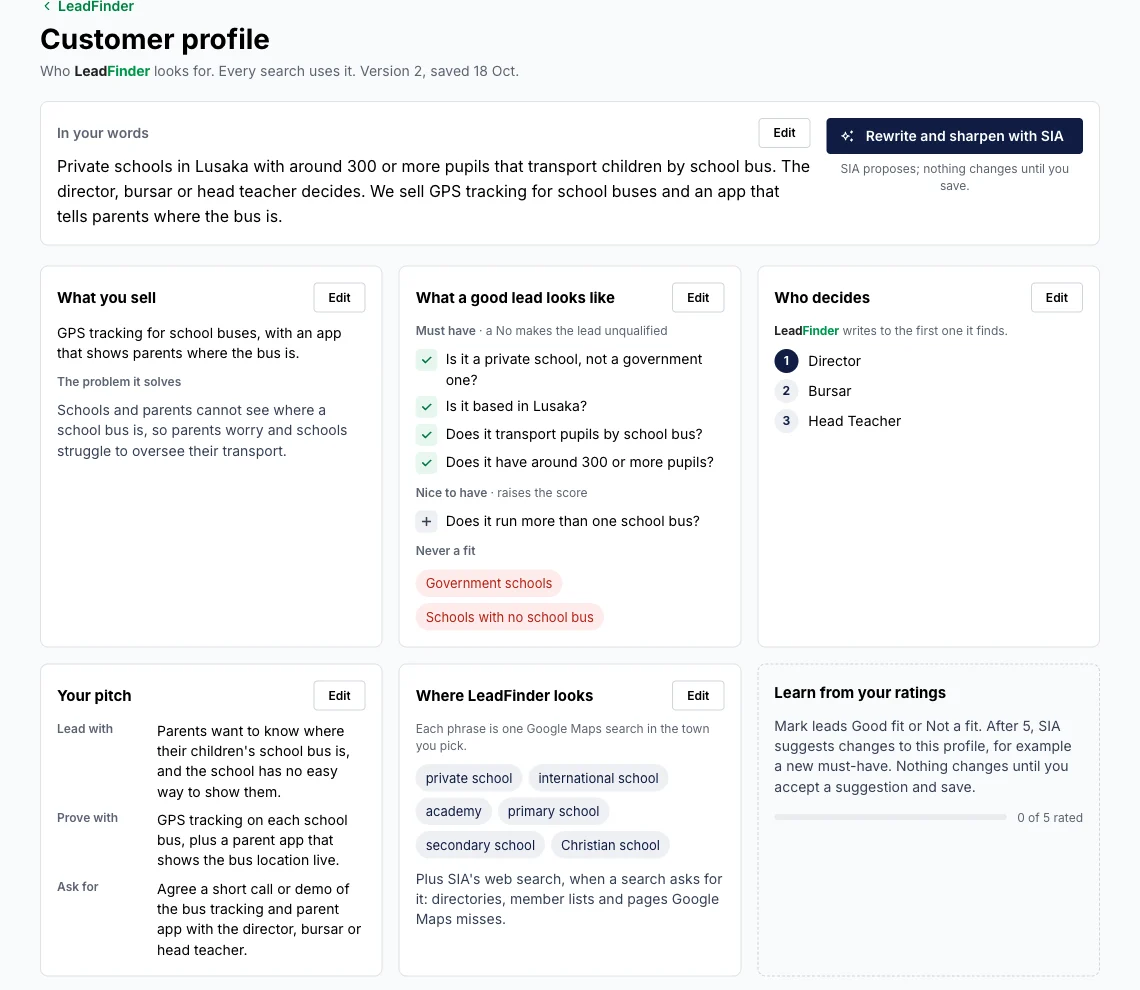
You write the questions that make a good customer, for example "Is it a private school?" or "Does it have around 300 pupils?". Each question is marked a must-have or a nice-to-have. LeadFinder answers every question as Yes, Likely, No or Unknown, with one line of evidence and a link to the page it came from. A No on a must-have makes the lead unqualified. The score runs from 0 to 100 and the lead is shown as Hot, Cold or Unqualified.
Can LeadFinder find government and company tenders in Zambia?
Yes. The Tenders tab watches the Zambia Public Procurement Authority e-GP portal every day, matches new tenders to what your company sells, and keeps the ones that fit, each with why it fits, the next step, a link to the portal and the closing date.
Does it help me plan visits?
Yes. The Visits tab lays out your Hot leads town by town, nearest next, with a Google Maps route and a printable one-page brief per business: who to ask for, why they fit and an opening line.
Does LeadFinder learn what a good customer looks like for us?
Yes. Mark leads Good fit or Not a fit. After five ratings, SIA suggests changes to your customer profile, and you accept or ignore each one. The What wins tab shows which leads replied or became paying clients, and what they had in common.
Who in my company can use it?
Company admins can. Other staff need SalesOps editor access plus the Sales Lead permission, which an admin switches on. Everyone with access to the lead sees the same research.
How is LeadFinder priced?
SalesOps AI work, including LeadFinder, draws from a monthly allowance that renews at the start of each month. You can buy extra units if you use it up. Current pricing is on request on WhatsApp.